

A plain-English comparison of ChatGPT, Claude, and Gemini for small business owners: what each does…

How to Reply to Google Reviews with AI (with Prompt Templates)
Replying to reviews is one of the few marketing tasks that is free, visible to every future customer, and encouraged by Google itself. It is also the task most owners abandon after a busy week. AI makes it possible to reply to every review in a few minutes, provided you set it up properly and read each reply before posting.
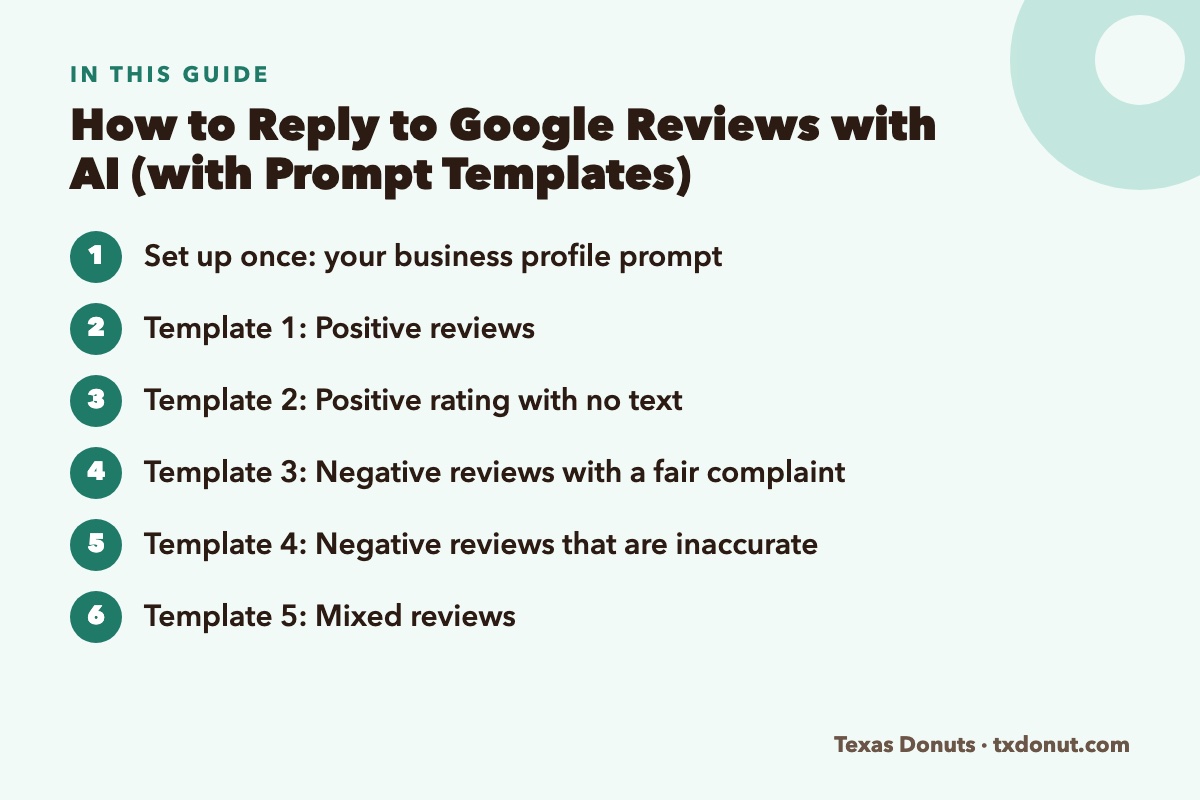
Set up once: your business profile prompt
Save this in a note and paste it at the start of each session. In ChatGPT, Claude, or Gemini you can also store it as a custom instruction or project so you never retype it.
You help me reply to Google reviews for my business.
Business: [name], a [type of business] in [city/neighborhood].
Known for: [two or three things].
Voice: warm, plain-spoken, brief. Sound like a real owner, not a corporation.
Rules: Keep replies under 60 words. Mention one specific detail from the review. Never offer discounts or free items. Never admit legal fault. Never mention details about the customer that are not in their review. Do not use the phrases “we strive,” “valued customer,” or “we apologize for any inconvenience.” Vary the opening so replies do not all start the same way. Sign off as [your first name].
Template 1: Positive reviews
Write a reply to this 5-star review. Thank them, mention the specific thing they liked, and invite them back without sounding like an ad.
Review: “[paste review]”
Example result:
Thank you, Maria! The apple fritters are our early-morning pride and joy, so we are glad they made the drive worth it. See you next Saturday. — Sam
Template 2: Positive rating with no text
Write three different short replies, each under 20 words, for customers who left 5 stars with no comment. Make each one sound different.
Template 3: Negative reviews with a fair complaint
Write a reply to this negative review. The complaint is fair. Acknowledge the specific problem without excuses, say briefly what we are doing about it, and invite them to contact me directly at [phone or email]. Do not be defensive and do not over-apologize.
Review: “[paste review]”
What actually happened: [your one-line explanation]
What we changed: [the fix, if any]
Giving the chatbot the real story matters. Without it, the AI will invent a generic explanation, and customers can tell.
Template 4: Negative reviews that are inaccurate
Write a calm, factual reply to this review. Some of what it says is not accurate. Correct the record politely in one sentence, without accusing the reviewer of lying, and invite them to contact me so we can look into it.
Review: “[paste review]”
The facts: [what is actually true]
Remember who the audience is. You are writing less for the reviewer than for the hundreds of people who will read the exchange later. A calm reply to an angry review makes the business look good.
Template 5: Mixed reviews
Write a reply to this 3-star review. Thank them for the specific thing they liked, acknowledge the specific thing that fell short, and say we would like another chance.
Review: “[paste review]”
Template 6: Reviews in another language
Reply to this review in the same language it was written in, using the same rules. Then give me an English translation of both the review and your reply so I can check it.
Review: “[paste review]”
Template 7: Batch replies
Here are 12 reviews, numbered. Write a reply to each following my rules. Make sure no two replies start with the same word or use the same closing line.
[paste reviews]
Mistakes that make AI replies backfire
- Posting without reading. AI sometimes thanks a customer for something they complained about, or promises a refund you never authorized. Read every reply.
- Identical replies. Ten reviews in a row answered with the same sentence look automated. Ask for variety and edit a few words yourself.
- Arguing. If a draft reads as defensive, ask the chatbot to make it shorter and calmer. Shorter is almost always better for negative reviews.
- Sharing private details. Do not confirm what someone ordered, when they visited, or anything about their account beyond what they wrote publicly. This matters most for medical, legal, and financial businesses, where confirming someone is a client can itself be a privacy violation.
- Offering rewards for reviews. Google’s policies prohibit offering incentives in exchange for reviews or for changing them, and the U.S. Federal Trade Commission has rules against fake and incentivized reviews. Keep compensation conversations private and unconnected to the review.
What to do about fake reviews
If a review is clearly spam, from a competitor, or about a different business, do not rely on a reply alone. Use the “Report review” option in your Google Business Profile and select the policy it violates. You can still post a brief, neutral reply such as “We have no record of this visit, but please contact us directly so we can help,” which shows other readers you looked into it.
A ten-minute weekly routine
- Open your Google Business Profile and copy the week’s new reviews.
- Paste your business profile prompt, then the reviews, using the batch template.
- For any negative review, add what actually happened before asking for the reply.
- Read each draft, change a word or two so it sounds like you, and post.
- Write down any complaint that appears more than once. Repeated complaints are free consulting.
That last step is the real payoff. The replies help your reputation, and the patterns in the reviews tell you what to fix.

Related Reading
- 25 ChatGPT Prompts Every Small Business Owner Should Save
- 10 Best AI Tools for Small Business Owners in 2026
- ChatGPT vs Claude vs Gemini: Which Is Best for Small Business?
Frequently Asked Questions
Can I use AI to reply to Google reviews?
Yes. Paste the review into a chatbot with a short description of your business and tone, then read and edit the draft before posting. Never post an AI reply without reading it.
How should I reply to a negative Google review?
Acknowledge the specific problem without excuses, say briefly what you are doing about it, and invite the customer to contact you directly. Keep it short and calm, because future customers are the real audience.
Can I offer a discount in exchange for a better review?
No. Google prohibits offering incentives for reviews or for changing them, and U.S. consumer protection rules address fake and incentivized reviews. Keep any compensation private and unconnected to the review.
What should I do about a fake Google review?
Report it through your Google Business Profile and select the policy it violates. You can also post a brief, neutral reply saying you have no record of the visit and inviting the person to contact you.