

A plain-English comparison of ChatGPT, Claude, and Gemini for small business owners: what each does…
How Much Does AI Really Cost a Small Business? A Realistic Budget
Ask what AI costs and you will hear everything from “it’s free” to five-figure consulting proposals. For a small business the truth sits at the low end. Most can get real value for less than a monthly phone bill, and many should start at zero. What catches owners off guard is rarely the subscription price. It is the time, and the pile-up of small fees.
Dollar figures below are typical ranges to help with planning. Vendors change prices often, so confirm current rates before budgeting.
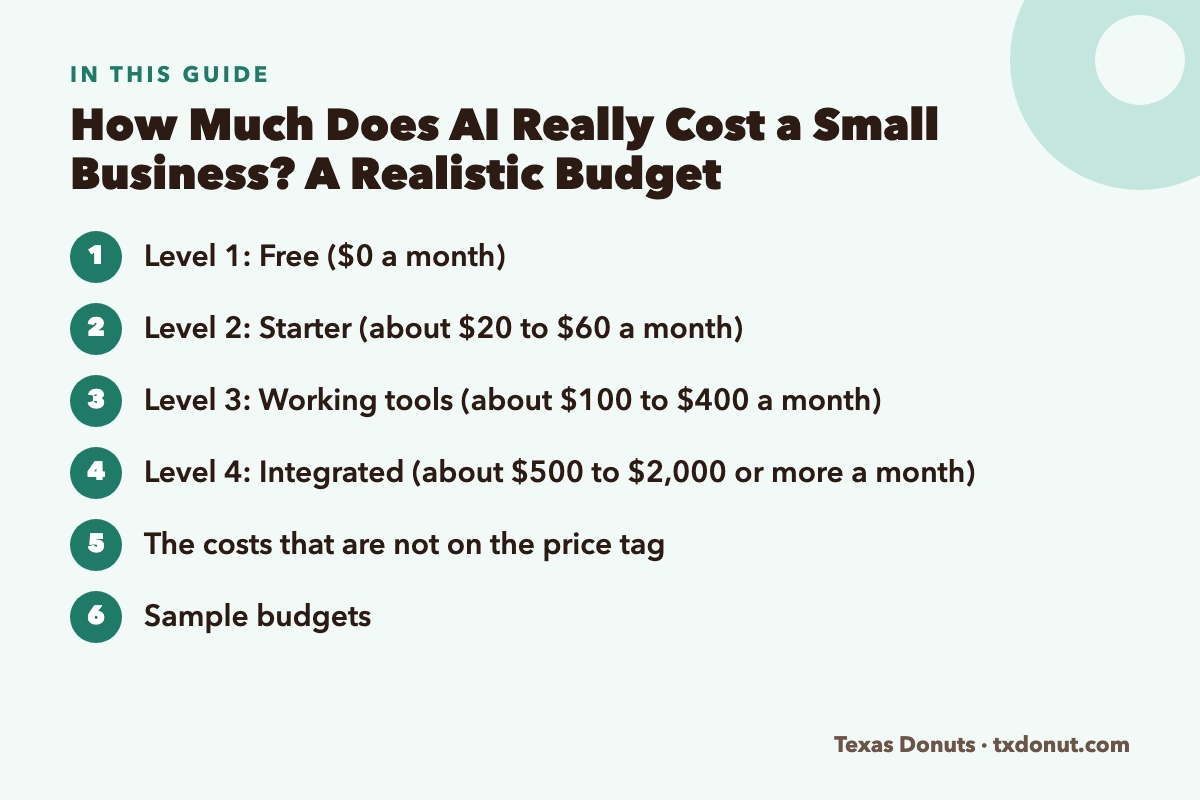
Level 1: Free ($0 a month)
What you get
- Free tiers of ChatGPT, Claude, and Gemini, with daily usage limits
- AI features in Canva’s free plan
- Meta Business Suite for scheduling social posts
- AI features already included in software you pay for: your POS, accounting, email, and website builder
What you can do with it
Write posts and emails, reply to reviews, draft job ads, summarize documents, and analyze a sales export. For an owner using AI a few times a week, free is often enough for months.
The limits
Usage caps on the best models, fewer file-handling features, and consumer-grade privacy terms.
Level 2: Starter (about $20 to $60 a month)
What you add
- One paid chatbot plan, typically around $20 a month
- A paid design plan such as Canva Pro
- Possibly a low-cost social scheduler
Who it suits
An owner who uses AI daily and keeps hitting free limits. This is where most small businesses should settle for their first year.
Level 3: Working tools (about $100 to $400 a month)
What you add
One or two specialized tools aimed at a specific, costly problem:
- An AI phone answering service
- Scheduling software with forecasting
- Invoice and inventory automation
- A website chatbot on a paid plan
- Chatbot seats for several employees
Who it suits
Businesses with enough volume that missed calls, wasted product, or overstaffed hours cost more than the software. Each tool at this level should be justified by a number, as described below.
Level 4: Integrated (about $500 to $2,000 or more a month)
What you add
- Several specialized tools across locations
- Team or business plans with administrative controls
- Custom automations connecting your systems
- Occasional paid help from a consultant or developer
Who it suits
Multi-location operators and businesses with twenty or more employees. Few single-location shops need to be here.
The costs that are not on the price tag
Your time
Learning a tool, setting it up, and correcting its early mistakes takes hours. Expect five to ten hours for a simple tool and considerably more for anything connected to your POS or accounting. This is the largest real cost for most owners.
Training your team
A tool your staff does not understand will not be used. Budget paid time for training and a few weeks of slower work.
Setup and integration fees
Some vendors charge onboarding fees or extra for POS integration. Ask before signing.
Usage overages
Per-call, per-message, or per-resolution pricing can rise sharply in a busy month. Ask what a heavy month would cost.
Annual contracts
A discount for paying yearly is only a saving if you are still using the tool in month twelve. Stay month-to-month until a tool has proven itself.
Subscription creep
Five tools at $30 each is $1,800 a year. Free trials that roll into paid plans are the usual cause.
Mistakes
An AI that gives a customer the wrong price, or miscategorizes a quarter of expenses, creates cleanup work. Review time is part of the cost.
Sample budgets
| Business | Tools | Approximate monthly cost |
|---|---|---|
| Solo owner or freelancer | Free chatbot, free Canva, built-in software features | $0 |
| Single-location shop, 5 to 10 staff | One paid chatbot, Canva Pro, free scheduling app | $35 to $60 |
| Busy restaurant, 15 to 25 staff | Paid chatbot, design plan, scheduling software, AI phone answering | $250 to $500 |
| Three locations | Team chatbot plan, scheduling, inventory automation, phone AI at each site | $1,000 to $2,500 |
Checking the return
Before paying for any tool, write one sentence: “This will save or earn us ___ by doing ___.” Then measure it.
Monthly value = (hours saved × hourly cost of the person) + added revenue + reduced waste
Monthly cost = subscription + usage fees + time spent managing it
Keep the tool if value is clearly higher than cost after 60 days.
Example: a $20 chatbot plan that saves the owner three hours a month on emails, posts, and review replies. If the owner’s time is worth even $25 an hour, that is $75 of value for $20.
Example: a $200 phone assistant that captures four extra orders a week averaging $30. That is about $520 a month in revenue; after food cost, the margin may be around $300 or more. That clears the bar. If it only captured one order a week, it would not.
Seven ways to keep AI spending under control
- Start on free tiers and upgrade only when you hit a limit that costs you time.
- Turn on the AI features in software you already pay for before buying new tools.
- Pay monthly until a tool has earned an annual commitment.
- Buy one shared plan before buying seats for everyone.
- Put every trial’s end date on your calendar.
- Review all subscriptions quarterly and cancel anything unused for a month.
- Add one tool at a time, and measure before adding the next.
The bottom line
A realistic AI budget for a typical small business in its first year is somewhere between nothing and about sixty dollars a month. Spending beyond that should follow evidence: a specific problem, a measured cost, and a tool that demonstrably reduces it. Businesses that work this way spend little and gain a lot. Those that buy first and look for a use later mostly collect subscriptions.
Related Reading
- 10 Best AI Tools for Small Business Owners in 2026
- ChatGPT vs Claude vs Gemini: Which Is Best for Small Business?
- Best AI Tools for Restaurant Owners (Free and Paid)
Frequently Asked Questions
How much does AI cost for a small business?
Many small businesses can start at zero using free tiers. A typical first-year budget runs from nothing to about sixty dollars a month, with specialized tools such as AI phone answering or scheduling adding roughly one hundred to four hundred dollars.
Can a small business use AI for free?
Yes. The free tiers of ChatGPT, Claude, and Gemini, Canva’s free plan, and the AI features already in your existing software cover writing, review replies, job ads, and basic data analysis.
What are the hidden costs of AI tools?
Your time to learn and set up the tool, staff training, setup and integration fees, usage overages, annual contracts you outgrow, forgotten subscriptions, and the time needed to review AI output for mistakes.
How do I know whether an AI tool is worth paying for?
Before buying, write down what it should save or earn. After 60 days, compare the value of hours saved, added revenue, and reduced waste against the subscription, usage fees, and time spent managing it.